How do I test the app before I give my number to my coparent?
You can test an active Boundary Line in Solo Mode before sharing the number with your coparent. Current versions offer a prepared self-test that uses the primary phone number saved on your account. You do not need to replace your coparent’s number with a helper’s number.
Send a prepared self-test
- Open Settings > Coparent Connection and confirm your Boundary Line number is assigned.
- Tap Test your Boundary Line.
- Read Test your Boundary Line? and choose Open SMS.
- Send the prepared text unchanged from the primary phone number saved on your BestInterest account. With dual SIMs, check which line sends it.
- Return to BestInterest and check Messages for the identified test message.
The prepared text contains a short-lived code and must reach your assigned Boundary Line from your saved primary number. It expires after 15 minutes, and creating another test replaces the older code. If it expires or you edit the text, start again from Test your Boundary Line. An ordinary text sent from your own number without this prepared test is not a supported self-test.
Remove the test and share your number
Open the identified message, tap Delete Test Message, and confirm when you no longer need it. Regular coparenting messages cannot be deleted individually.
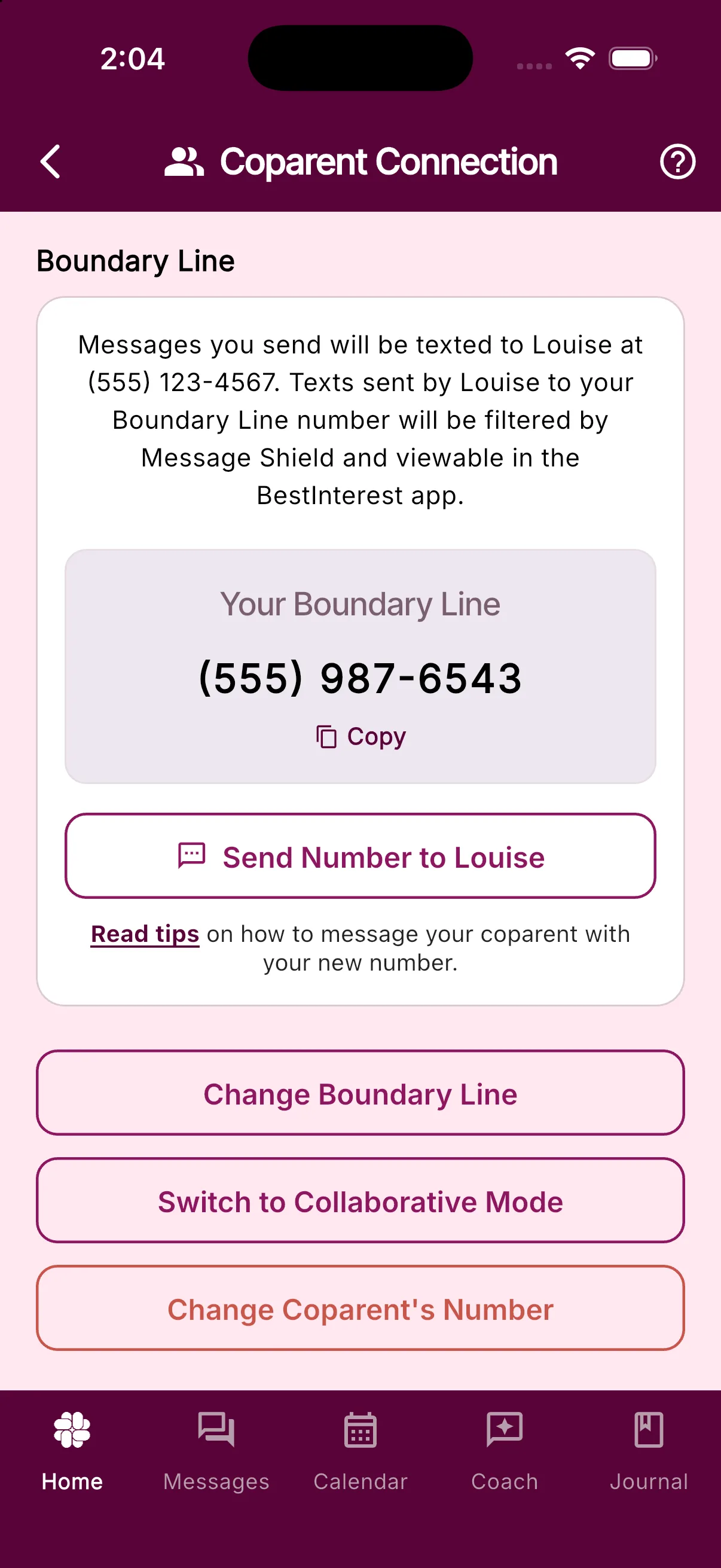
Your coparent’s configured number stays unchanged. When ready, share the number under Your Boundary Line or use Send Number to {your coparent’s name}.
If the test action is missing, update the app and confirm Solo Mode, an active Boundary Line, and a primary phone number on your account. If delivery still fails, contact support with the approximate time and displayed error; do not share the test code publicly.
Was this helpful?
Still need help?
Contact Support